
Author marketing
Describe the reader your book is for
A reader profile becomes useful when it describes a reason to read, rather than an imaginary perfect customer.
Author marketing
Organise an author website so readers can identify the books, find the right next step and contact the right person.
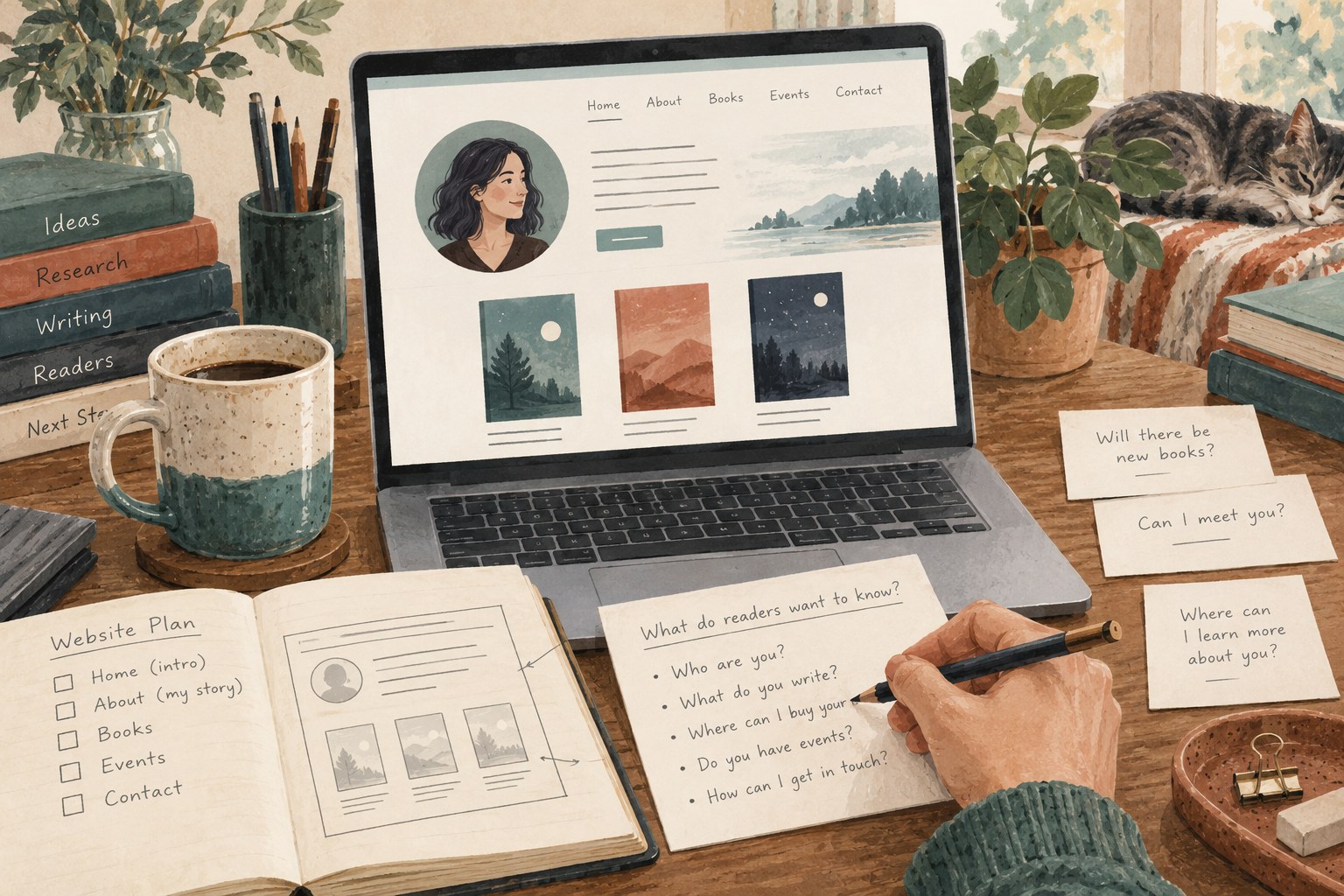
Someone arriving after a public reading may want the book you mentioned. A journalist may need a short biography and a usable photograph. A reader who has finished one title may want to know what comes next. Planning an author website around these visits gives each page a purpose before any visual theme is chosen.
Write down the few questions the site needs to answer. What has this author written? Which book is the visitor looking at? Where can it be obtained? Is there an event or a new project to follow? How can a relevant enquiry be made? The answers do not all need equal space on the homepage.
Choose one or two main journeys. A debut author may need a clear introduction to a single book. An author with several series may need a way to identify series order. A site that attempts to give every possible visitor equal priority can become a crowded collection of competing buttons.
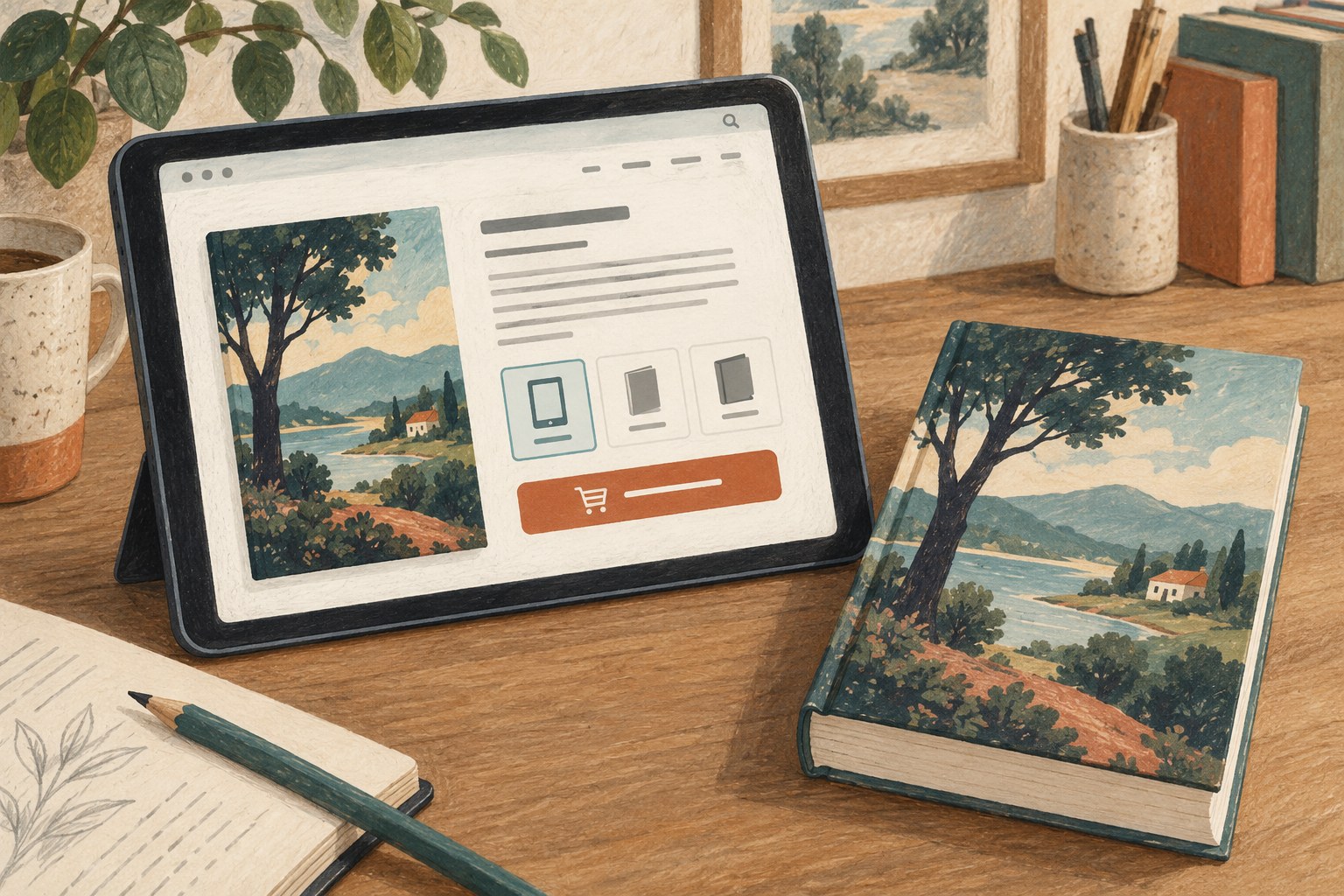
Give each book a durable page with its title, description, cover and relevant format or availability links. A social post, interview or printed flyer can then point to that page without depending on a temporary homepage arrangement. Keep the address stable when the design changes, or arrange a redirect if it must move.
Use navigation labels that say what the destination contains. “Books,” “About” and “Contact” are easy to interpret. A poetic label can be appropriate within a literary voice, but it should not force a visitor to guess where basic information lives. Test the navigation with someone who does not already know the site's structure.
Separate public information from private administration. The website should not require readers to understand your content management system, file naming conventions or internal publishing workflow. They need the information that helps them choose a book or complete a visit, presented in terms meaningful to them.
A biography can explain the author's connection to their writing without becoming a complete life history. Include relevant, verifiable information and avoid credentials or claims that cannot be supported. If the site uses an author photograph, arrange the necessary permission for its intended uses and keep the credit where its licence requires it.
Book descriptions should distinguish the titles. Repeating a general statement about storytelling beneath every cover leaves readers with little basis for choosing. Include the premise or subject, the kind of experience offered and essential context such as series position. A sample can help when it is readable and clearly labelled.
Contact information should identify the purpose of each route. If one address handles general enquiries and another belongs to an agent or publicist, explain that distinction accurately. Do not imply representation or services that do not exist. A simple monitored email address can be more useful than an elaborate form that no one maintains.
A newsletter form needs a real subscription workflow, a clear explanation of what will arrive and a functioning way to leave the list. A search box needs to produce useful results. An events calendar needs current dates. A feature becomes a responsibility as soon as visitors can rely on it.
Consider the maintenance cost before adding a blog, shop or members area. A small site with accurate book pages can serve readers well. If direct sales are part of the plan, the requirements become broader: payment, fulfilment, customer support and applicable policies need their own considered implementation. Do not add a purchase button that only creates the appearance of a shop.
Open the site on a phone and follow its principal journeys. Can you identify the featured book without dismissing a large overlay? Are cover images accompanied by useful text? Do links make sense, and can a keyboard user reach the controls? Check text contrast, readable sizing and image descriptions as part of the design rather than afterthoughts.
Try the contact route and any forms using a real test submission that you control. Verify what arrives and what the visitor sees. Check external availability links regularly, since a functioning page on your own site can still send readers to a missing destination.
Keep a short maintenance list tied to events: a new title, a changed contact address, an expired event or a revised edition. Review the homepage and book pages whenever one of those changes occurs. The site succeeds when a visitor can answer their question and take the next step with confidence about the information in front of them.
Author marketing
A reader profile becomes useful when it describes a reason to read, rather than an imaginary perfect customer.
Author marketing
Give readers one stable destination for the description, sample and availability of a particular title.