Tools & workflow
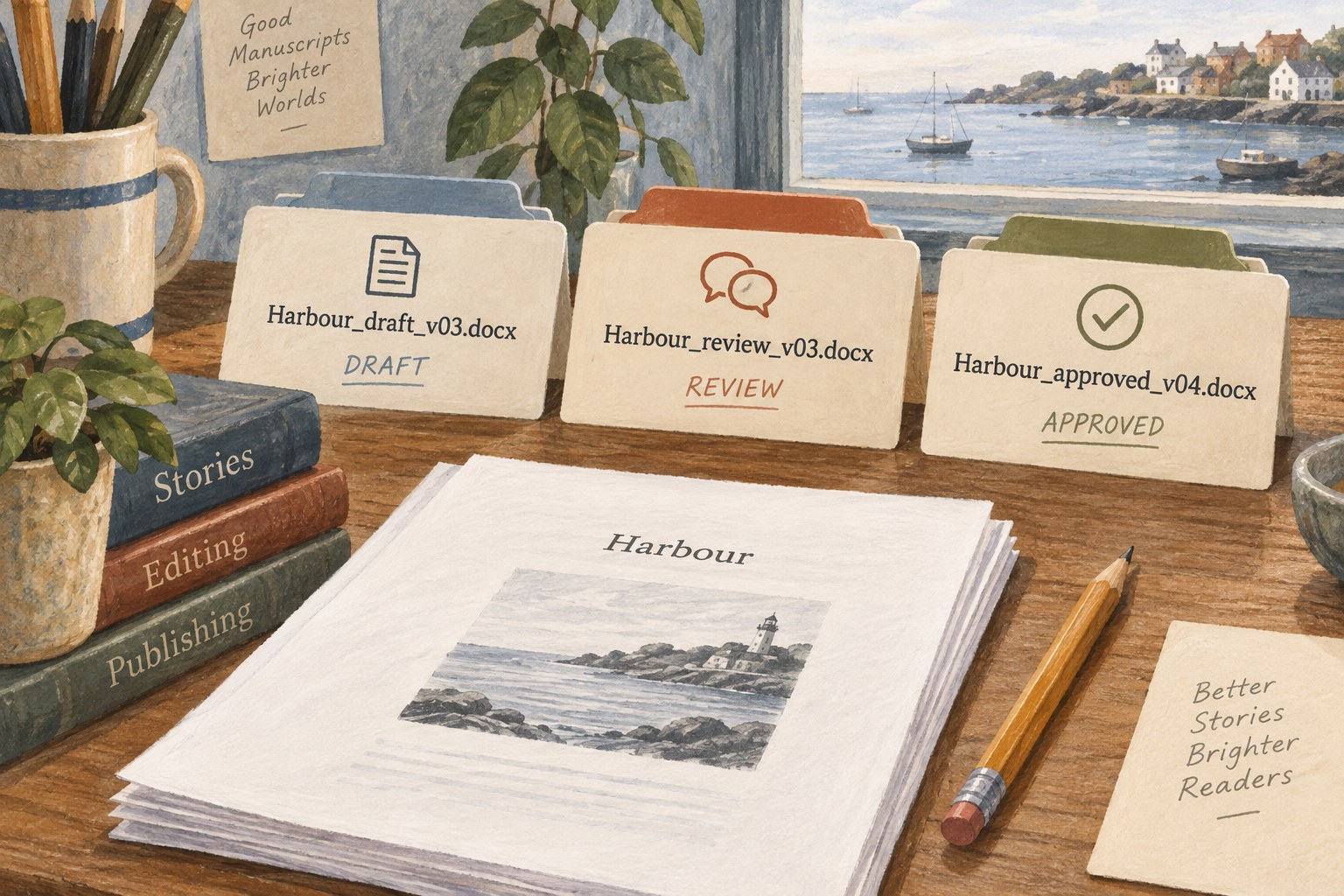
The filename should explain the draft
A filename should reveal the project, the document’s role and which version it represents.
Tools & workflow
Protect the manuscript, its supporting files and the ability to restore a usable project.

A book project is more than its latest text file. It may include research notes, interviews, images, permissions, bibliographic records, design files and correspondence explaining important decisions. List the material needed to continue the work after a device failure or accidental deletion. That list defines the backup's scope.
Identify where the active files actually live. A document may be stored locally, in a cloud service or inside a multi-file application project. Shortcuts and recent-files lists can obscure that location. Confirm the underlying storage before choosing a backup method, so that the routine protects the real project rather than an empty folder of links.
Think about recoverability, not only duplication. A second copy that is continuously overwritten can reproduce an unwanted deletion or corruption. A backup routine should preserve useful earlier states and give you a way to recover them without relying on the damaged active copy.
Keep more than one recoverable copy and avoid placing all copies within the same likely failure. An external drive beside the laptop may help if the laptop's internal storage fails, but it does not address every event affecting the room. An online copy can add separation, while account access and service behaviour introduce their own considerations.
An offline copy can help protect against changes that spread through connected storage. CISA's ransomware guidance recommends offline backups and regular restoration testing in its security context. For a writing project, the relevant planning lesson is to understand which copies can be changed at the same time and to maintain a recovery route outside that single path.
Choose protection appropriate to the information being stored. Sensitive interviews or private correspondence may need encryption and carefully controlled access. Keep recovery information available through a secure method you can actually use. A protected backup that cannot be unlocked when needed is not a complete recovery plan.
Use a schedule that reflects how much work you could tolerate losing. If you write every day, a monthly manual copy leaves a large gap. Automatic backups can reduce reliance on memory, but they still need occasional inspection for errors, missing folders or a destination that has run out of space.
Make additional milestone copies before major revisions, tool migrations or production handovers. Label them by purpose and date so their significance is clear. Do not confuse every exported PDF with a complete editable backup; a readable output may preserve the text while omitting comments, source structure or linked assets.
Understand retention. Some systems keep older versions for a limited period or remove them according to storage rules. Check the current service documentation and your actual configuration. Decide which milestones should remain available independently of automatic rotation.
Choose a disposable test folder and restore a representative project copy there. Do not overwrite the active manuscript during a routine test. Open the restored file using the intended application and inspect recent text, notes, images and any dependencies. A successful transfer of bytes does not necessarily mean the project can be used.
For an application that stores a project as several files or a package, follow its recovery instructions. Copying one visible document may omit essential parts. Test the same form of backup you expect to rely on, rather than a separate export that proves only that the export is readable.
Record what you restored, from which backup and whether anything was missing. The note can be brief. Its purpose is to make the next test easier and to reveal a recurring gap, such as images stored outside the backed-up folder.
Keep a short recovery note with the project: where the backups are, what they contain, how to open them and which copy was last tested. Store sensitive account details through an appropriate secure method rather than putting passwords into an ordinary project document.
Review the routine when the project changes tools, gains large assets or moves to a new device. A backup that covered a prose draft may no longer cover a design project with linked images elsewhere. The useful question remains concrete: if the active working copy vanished today, could you restore enough material to continue with a known amount of lost work?
Tools & workflow
A filename should reveal the project, the document’s role and which version it represents.

Tools & workflow
Restore a copy into a separate location and check that it contains the work and dependencies you expect.