Tools & workflow
Turn scanned notes into text you still verify
Optical character recognition can make notes searchable, but the resulting text still needs checking. Preserve the scan so you can compare what the software read.
Tools & workflow
Learn shortcuts for actions you repeat during real editing. A small set used correctly is more valuable than a long list you cannot remember.
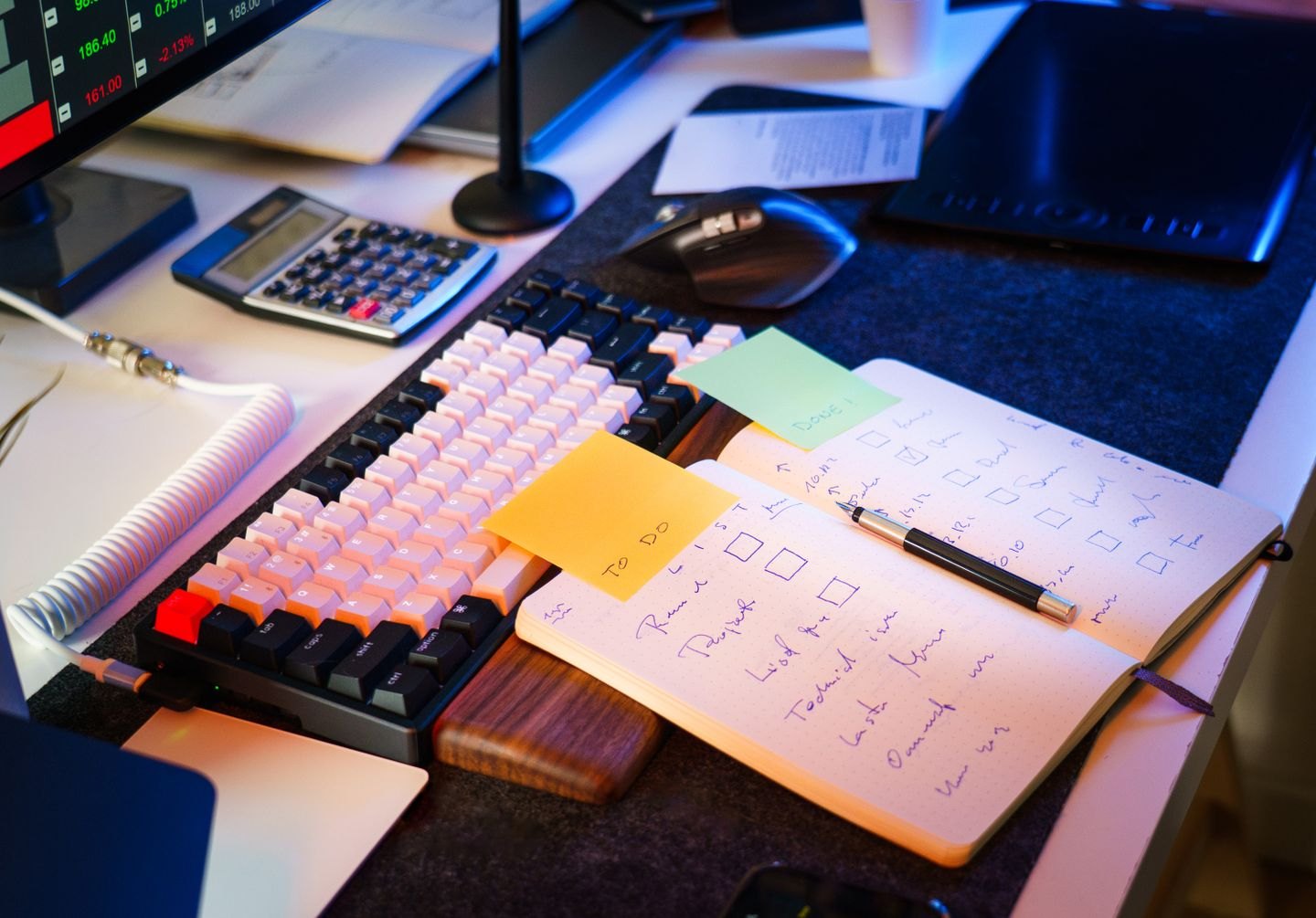
During an editing session, keep a small note of actions that repeatedly send you through menus. You might search for a word, apply a heading style, move between comments or undo a change. Start with the actions that interrupt thought, rather than memorising commands because they appear on a shortcuts poster.
Choose two or three to learn first. Look them up in the official documentation for your application, operating system and keyboard layout. Shortcuts can differ between desktop and browser versions, and a browser or accessibility setting may intercept a key combination.
Microsoft’s Word shortcut reference, for example, separates platforms and lists commands for tasks such as navigation, styles and editing. Use that kind of reference to verify the command you need rather than assuming a familiar combination behaves identically everywhere.
Try the command on a copy or an unimportant passage. Observe what is selected and where the cursor is before using an action that changes text. A fast command applied to the wrong selection creates extra work rather than saving it.
For search and replacement, learn the difference between finding the next occurrence and replacing it. Speed should not remove the context check. A repeated word may appear in a quotation, a name or a passage where the usual replacement would be wrong.
Keep a short reminder beside the keyboard for a few sessions. Use the shortcut deliberately when the real task appears, then remove the reminder once the action becomes familiar. Add another command only when there is a recurring need.
Avoid changing many default shortcuts at once. Custom assignments can be useful, but they may conflict with established commands and be difficult to reproduce on another machine. If you customise, record what you changed and why.
After a week, ask whether the shortcut reduced friction. If it is awkward, forgettable or rarely needed, using the menu is perfectly reasonable. The purpose is to keep attention on the manuscript. A shortcut earns its place when it supports that attention, not when it makes the editing process look more technical.
Tools & workflow
Optical character recognition can make notes searchable, but the resulting text still needs checking. Preserve the scan so you can compare what the software read.
Tools & workflow
Reduce the interruptions you can predict, then give the session a task small enough to start. The aim is a workable period of attention, not an elaborate ritual.