Tools & workflow
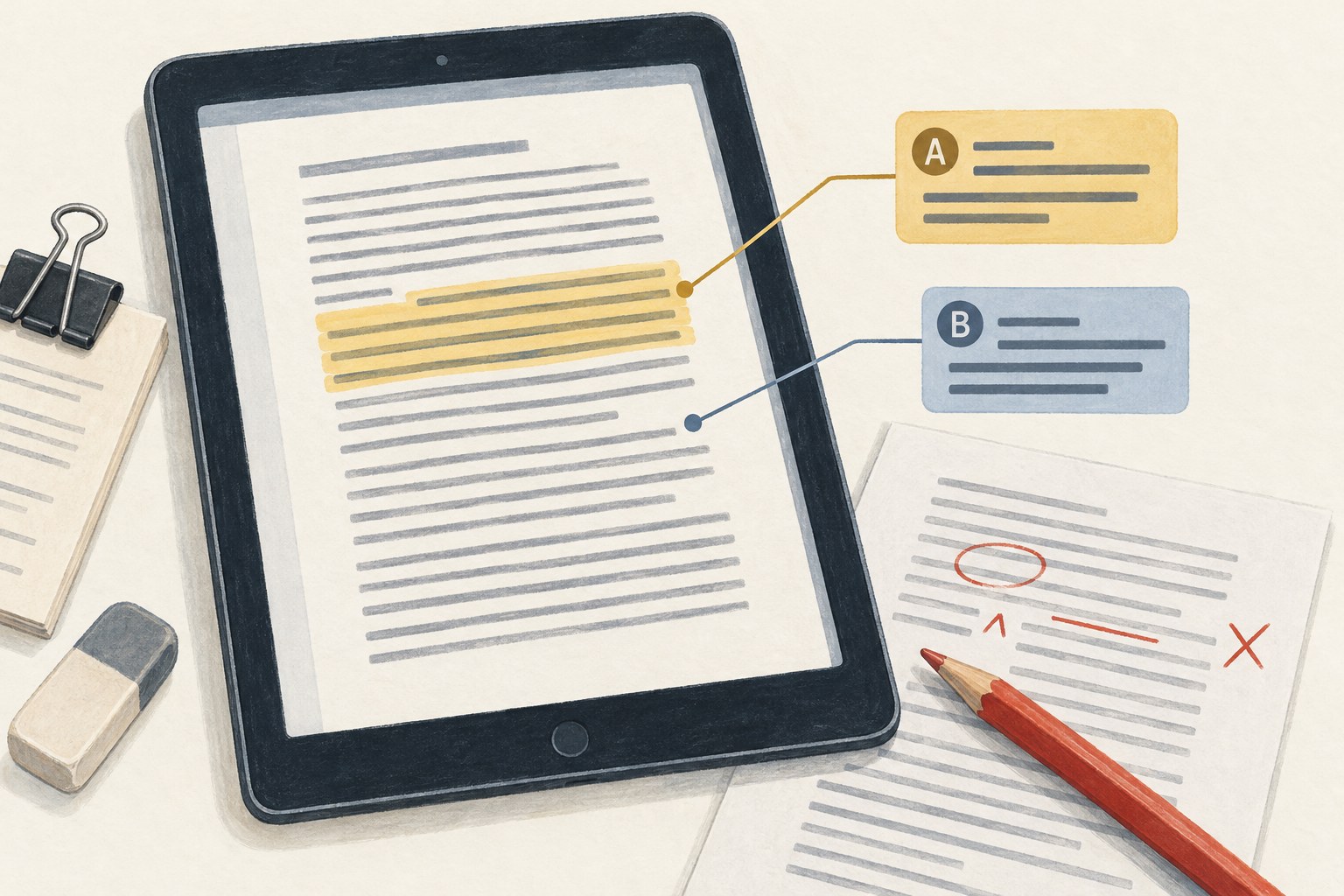
A proofing conversation in PDF comments
Anchor each correction to a precise location and keep the proof version visible throughout the review.
Tools & workflow
Optical character recognition can make notes searchable, but the resulting text still needs checking. Preserve the scan so you can compare what the software read.
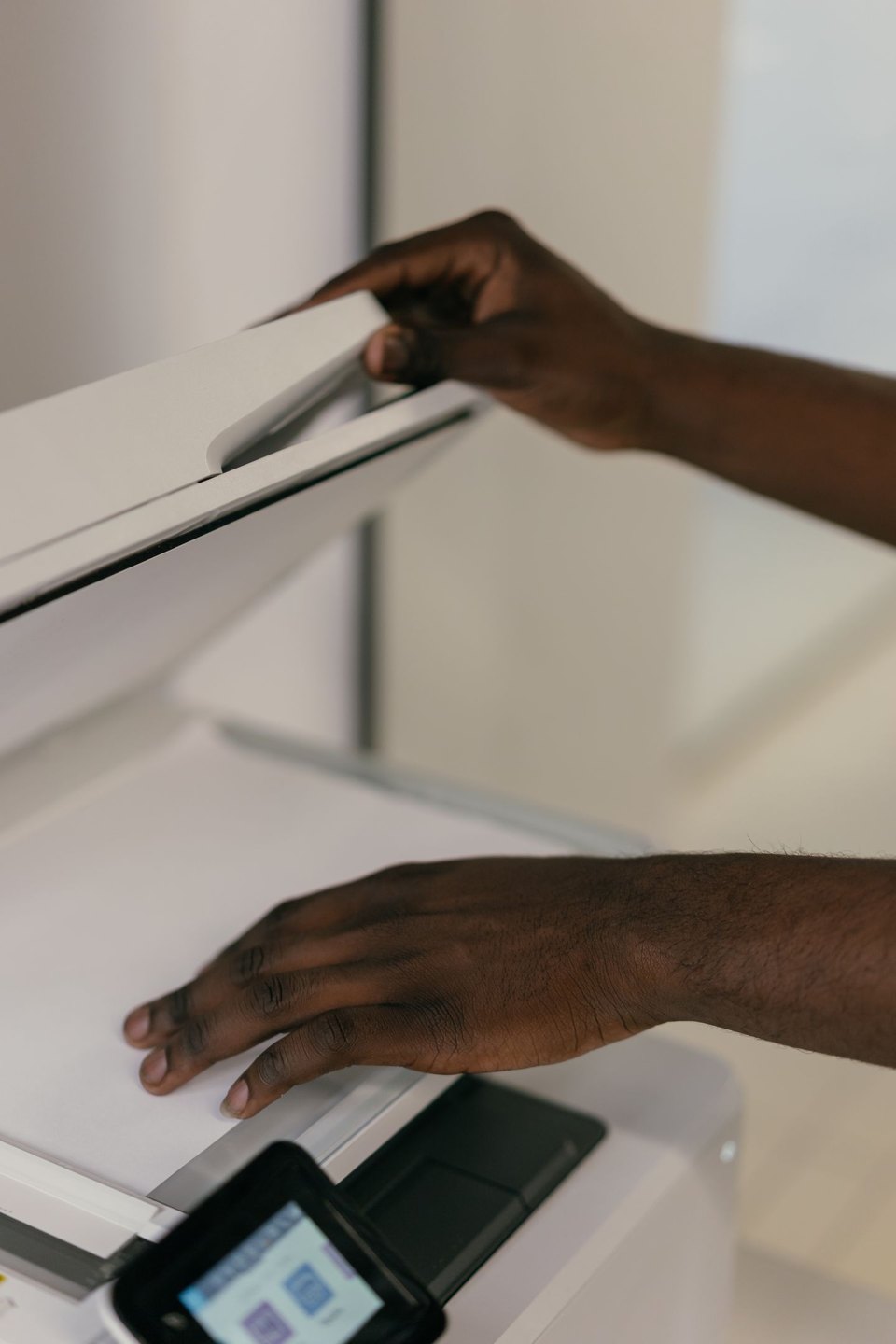
A clear scan gives recognition software a better starting point. Capture the whole page, keep it reasonably straight, and avoid shadows that obscure the edge of the text. Check the first few pages before processing a large batch. Discovering that every inner margin is dark after scanning a notebook is an expensive way to learn the same lesson.
Keep the original image or scanned PDF. Recognition is a derived version, not a replacement for the evidence. Give each page a stable filename or page reference so that a passage of recognised text can be traced back to the image it came from.
Printed text, handwriting, tables and mixed-language notes present different difficulties. Test a representative page containing the hardest material, not only a clean typed sheet. If the result requires more correction than transcription would, reserve OCR for the parts where it actually helps.
Recognition errors often produce plausible characters. A one can become a lower-case letter, a zero can become a capital O, and punctuation can disappear. Names, dates, measurements and quotations need particular care because a small error can change the claim while leaving a fluent sentence.
Compare the output with the scan in short passages. Check the reading order if the original uses columns, marginal notes or arrows. Software may identify every word correctly and still assemble the page in the wrong sequence. Treat a handwritten insertion as a decision to interpret, not simply another line to paste after the printed paragraph.
Adobe Acrobat, for example, provides a review process for uncertain recognised words. Those flags can help locate problems, but unflagged text still deserves review. A system can be confidently wrong, especially with a name or specialist expression it does not expect.
Use a visible marker for text you cannot resolve. Do not invent the missing word just to produce a clean file. Record the page reference and return to the original or another source when the detail becomes necessary.
Once the transcription is checked, keep a verified version with its source information. If you then rearrange the notes for drafting, work on a copy. Otherwise your cleaned-up prose can gradually replace the record of what the original page actually said.
For material that contains other people’s words, preserve the distinction between quotation, paraphrase and your own commentary. Recognition makes copying convenient, which can make those boundaries easier to lose. Mark them before incorporating anything into a manuscript.
Finally, test a search for a distinctive term and copy a short passage out of the file. These checks can reveal that a PDF looks correct on screen but has a poor hidden text layer. Searchability is useful only when the text being searched is a dependable representation of the page.
Tools & workflow
Anchor each correction to a precise location and keep the proof version visible throughout the review.
Tools & workflow
Learn shortcuts for actions you repeat during real editing. A small set used correctly is more valuable than a long list you cannot remember.