Book design
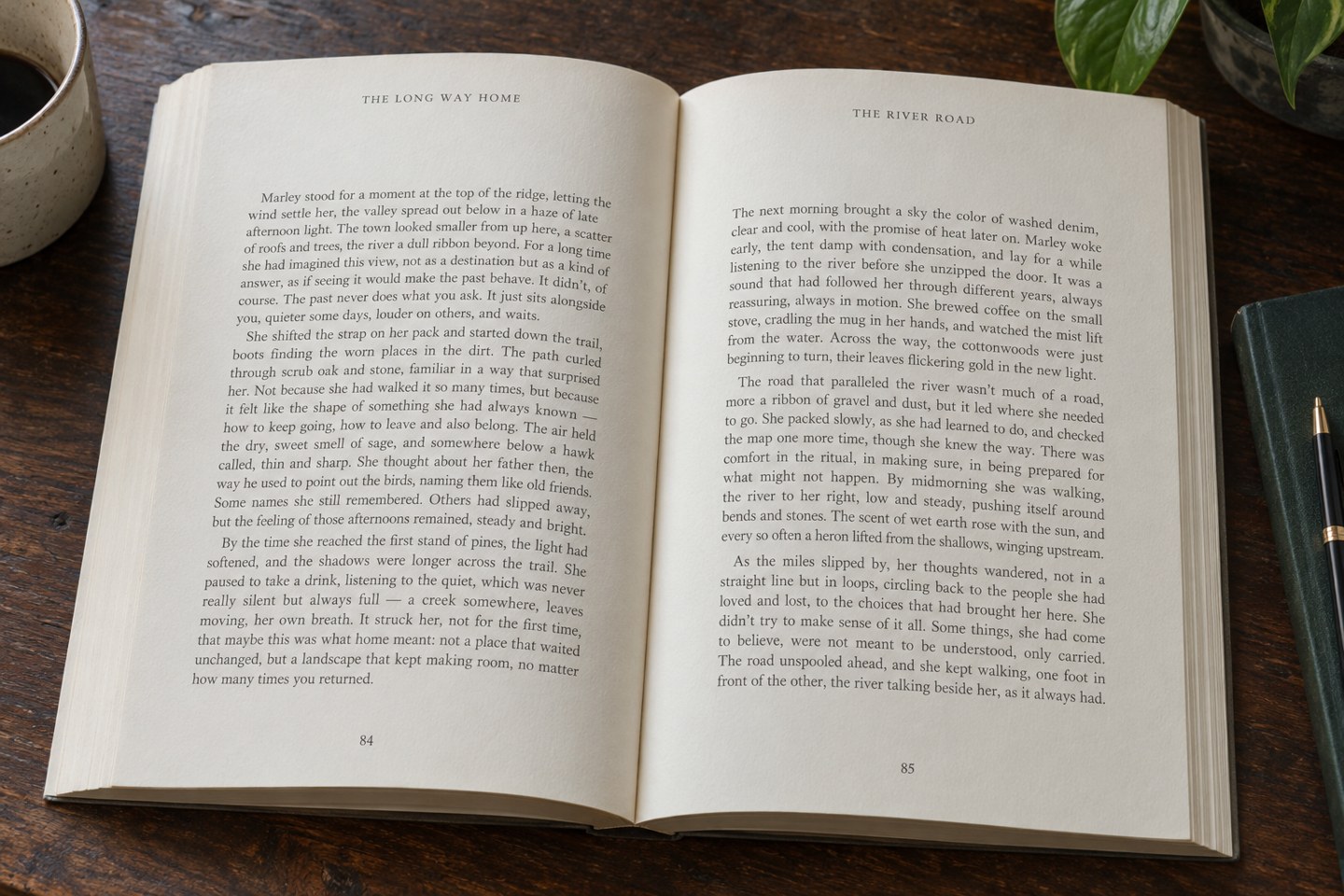
What should a running head say?
Running heads should give useful orientation while remaining visually subordinate to the text.
Book design
Plan the numbering sequence before layout, then distinguish counted pages from pages that display a number.
A book's physical pages and the numbers printed on them are related but not identical. A title page can belong to a counted sequence without displaying a visible number. Front matter may use a separate numbering style, while the main text begins another sequence. Choose an arrangement that suits the book and any publisher or production requirements.
A common convention uses lower-case Roman numerals in preliminary pages and Arabic numerals for the main text, but it is not a rule to apply blindly to every publication. A short illustrated book, a workbook and a scholarly volume may have different needs. Decide the convention before building contents entries and cross-references around it.
Record where each sequence begins and which pages suppress the visible number. This prevents confusion when someone refers to “page one”: they may mean the first PDF page, the first numbered page or the first page of chapter one. Use explicit labels in correction instructions when those positions differ.
Set page-number markers and section controls in the layout software rather than typing numbers into individual pages. Adobe's InDesign guidance describes section-based control of numbering styles and starting values. Automatic numbering reduces the work created when pages move, although it still needs a correct setup and final inspection.
Place the number where it remains easy to find and clear of the text. Consider its position in relation to the running head, margins and binding. On facing pages, mirrored placement can help a reader locate the outer corner. Whatever the arrangement, test it on actual spreads rather than judging one page in isolation.
Use separate page treatments for places where the number should be hidden, such as a title page or certain chapter openings. Suppressing the printed marker need not remove the page from the sequence. Avoid manual deletions that make it difficult to tell whether a page is intentionally unnumbered or missing a design element.
Inspect every transition between sections. Confirm that the new style and starting value appear on the intended page and that the previous sequence ends as expected. Look at blank pages, inserted illustrations and chapter starts, where changes often introduce mistakes.
Update contents entries, references and any index after pagination changes, using the appropriate method for each element. An automatic page number does not guarantee that a manually typed reference elsewhere is current. Search for explicit page references and check them against their destinations.
In a PDF, the viewer's page counter may differ from the printed page number. Where the workflow supports meaningful page labels, set and verify them. Regardless, make proof instructions unambiguous by including a text anchor as well as a page reference when necessary.
Before approval, scan the page-number sequence and inspect the placement at actual size. Check that numbers are neither clipped nor too close to the trim. The finished system should help a reader find a place and help the production team identify it accurately.