Tools & workflow
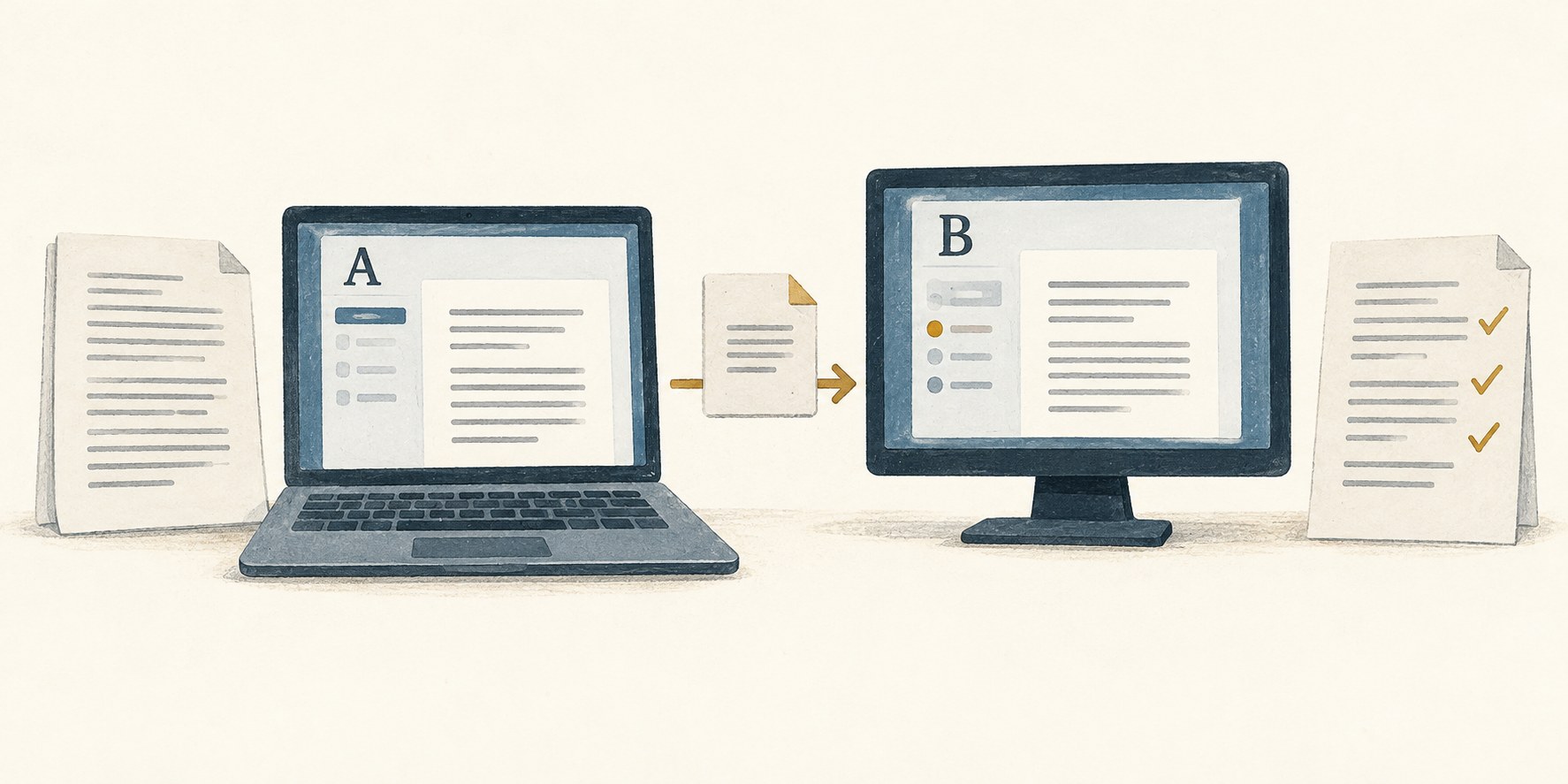
Move a manuscript to a new tool in stages
A successful import is only the beginning of a migration. Test the structures you need, keep the original intact and decide when the new copy becomes authoritative.
Tools & workflow
A finished project still needs a clear final record. Collect the files, decisions and dependencies that would let you make a correction or prepare another edition later.
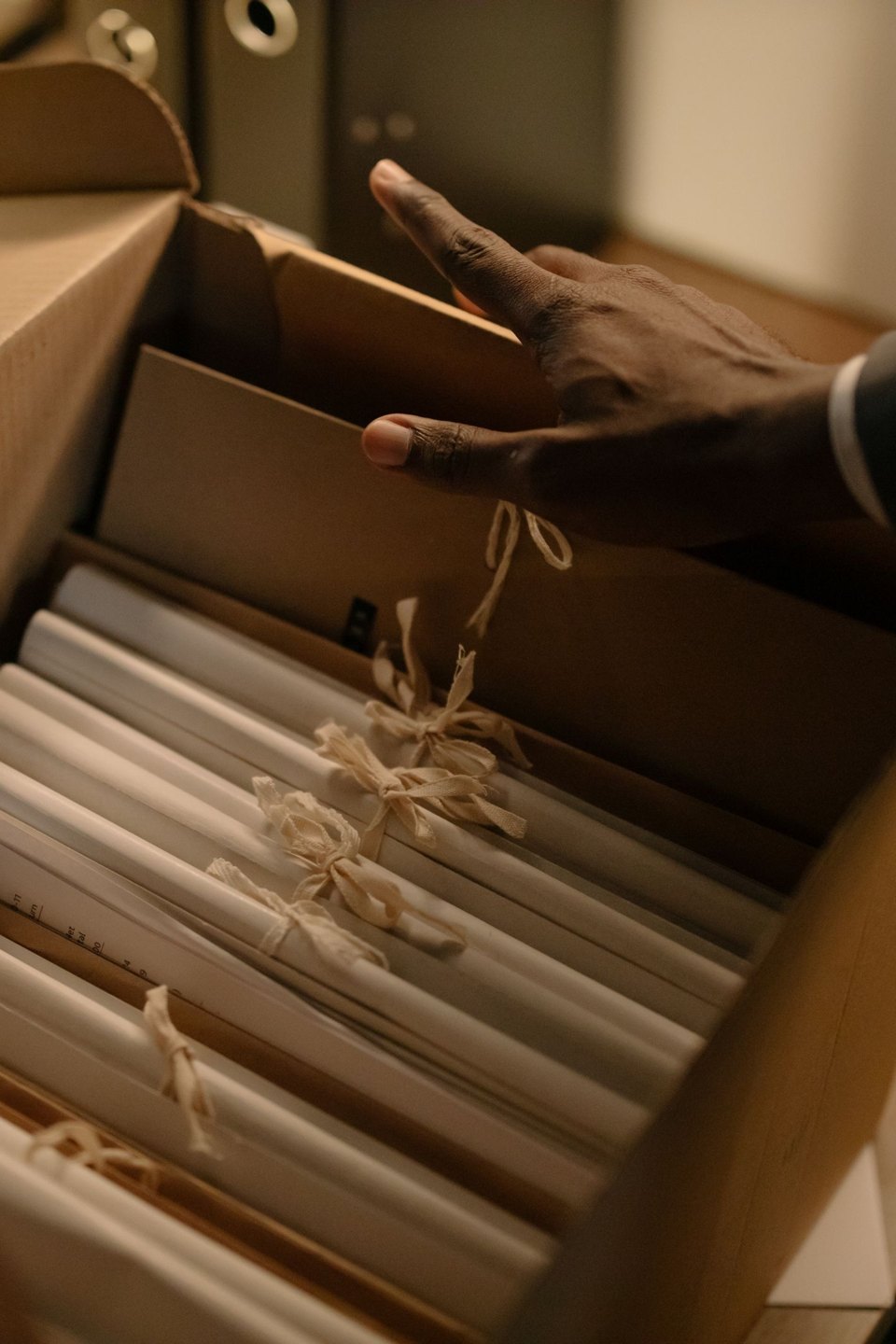
Start with the files used for publication, not the ones whose names sound most final. Compare them with the delivery record or upload history available to you. A folder can contain several plausible final PDFs, only one of which was approved and supplied.
Keep the approved interior, cover and any ebook files together, with a note of the edition and production date. Record where each file was sent. Different distributors or formats may have required different exports, and those differences can matter when a correction is requested later.
Retain the editable sources as well as the publication files. A PDF is useful evidence of what the reader received, but it may not be the best place to make a future change. Keep the manuscript, layout files and the assets needed to open them without reconstructing the project from scattered messages.
Write a short project note while the decisions are still familiar. Identify the final manuscript and layout versions, software used, production specification and any known unresolved issue. Explain unusual choices that a future editor might otherwise mistake for mistakes.
Include the style sheet, checked references and significant approval records. If a passage, image or design element has usage restrictions, retain the relevant information with the asset. Do not assume that a file sitting in the archive can be reused in any future edition or promotional context.
Separate abandoned alternatives from the final package. They may be worth keeping, but label them as superseded and place them away from active production material. A future collaborator should not have to infer the approved cover by looking for the newest modification date.
Open the editable project from the archive location. Check whether linked images are found and whether the document reports missing dependencies. Where the layout application provides a packaging function, use its documentation to understand what it collects and what it leaves out. Font and asset licences may affect what can be copied or handed over.
Open the final exports independently too. Check a few distinctive pages, including illustrations, notes and the end of the book. Confirm that the expected edition information is present. A folder full of files is not yet evidence that the files are usable.
Keep more than one recoverable copy according to your backup arrangements, and test that an archived file can be restored. A synchronised folder alone can reproduce an accidental deletion or overwrite across devices. The archive needs a recovery route that fits the value of the work.
Add a plain-language starting note: which folder contains the published files, which source should be edited for a correction, and what should be checked before another release. Mention any external service needed to reopen or export the work, without placing passwords in the archive note.
If other people will need access later, confirm that they can obtain the material through the agreed process. Do not leave the sole copy inside an account that only a former collaborator controls. At the same time, avoid sharing unrelated correspondence or personal data just because it accumulated in the project folder.
Closing the project is a small production task in its own right. Give it enough attention that reopening the book becomes a defined sequence of actions rather than an investigation into what “final-final” once meant.
Tools & workflow
A successful import is only the beginning of a migration. Test the structures you need, keep the original intact and decide when the new copy becomes authoritative.

Tools & workflow
Choose layout software by testing the book’s difficult pages and required output. A familiar interface is useful only if the production workflow also works.