
Tools & workflow
Choose layout software for the book you are making
Choose layout software by testing the book’s difficult pages and required output. A familiar interface is useful only if the production workflow also works.
Tools & workflow
A successful import is only the beginning of a migration. Test the structures you need, keep the original intact and decide when the new copy becomes authoritative.
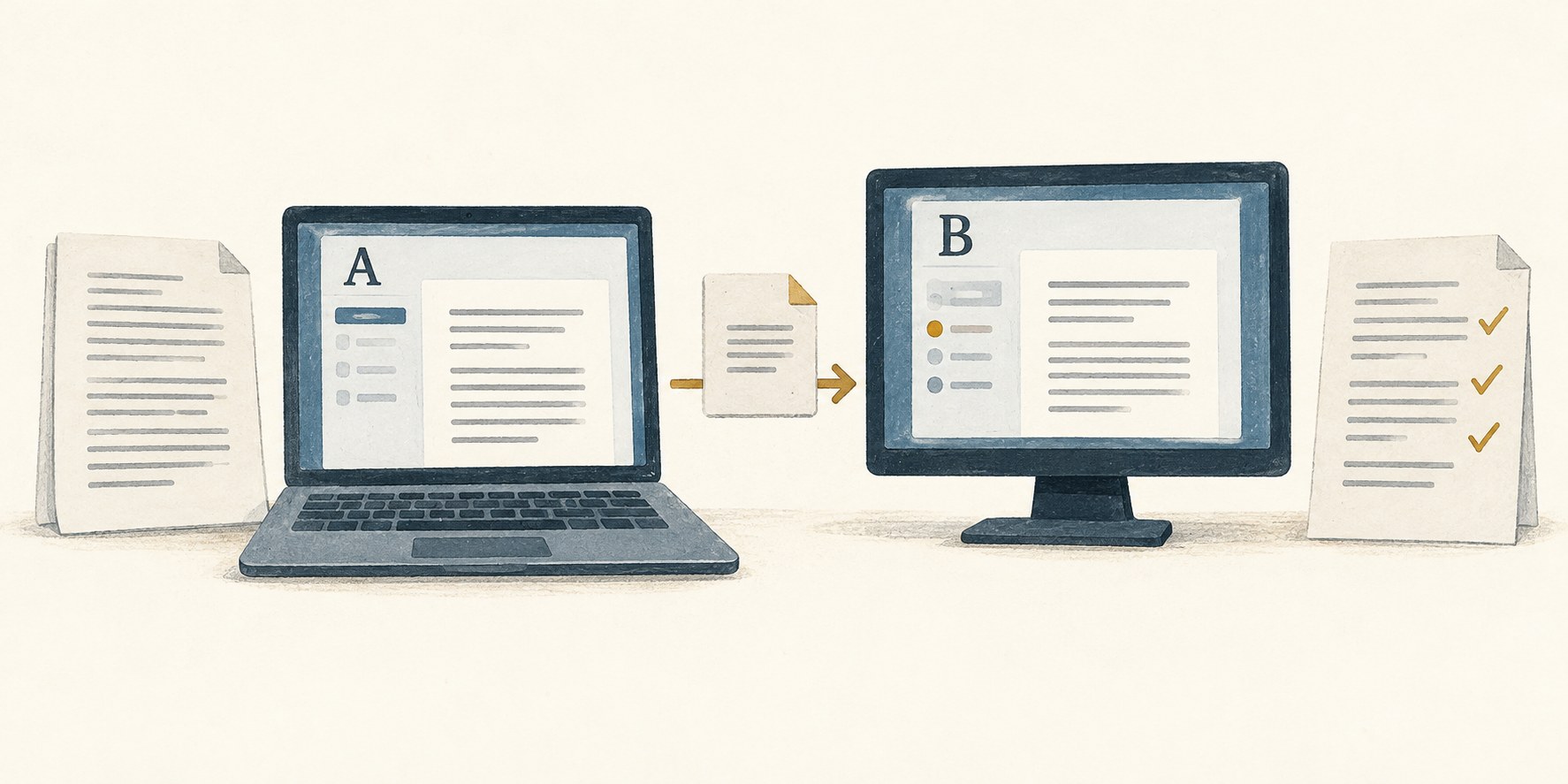
Words are the obvious requirement, but a manuscript may also contain comments, tracked changes, notes, styles, images and links. Decide which of these are essential to the next stage. An export that preserves the prose while flattening all comments may be acceptable for one handover and disastrous for another.
Keep a dated copy in the original application’s format before experimenting. Export a separate test file rather than converting the only working copy. If the new tool changes something unexpectedly, you need a stable point of comparison.
Choose a representative chapter for the first import. Include difficult material such as a footnote, a scene break or a table. A plain paragraph that imports neatly tells you little about the structures most likely to cause trouble.
First check completeness: the beginning, middle and end of the chapter, along with headings and other distinct elements. A word count can be a useful warning signal, but matching totals do not prove that the same words are present in the right order.
Next inspect structure. Are headings still headings, or merely bold text? Do notes remain attached to the right passages? Have comments and revisions been preserved in a form you can use? Check special characters, quotation marks and accented names where the project contains them.
Then test ordinary work in the new file. Edit a paragraph, move a section and export a copy for the next person in the workflow. Migration is incomplete if the imported draft looks fine but cannot produce the required output without further damage.
Record any cleanup method that works. Applying a style consistently is better than manually repairing every heading, but test the rule before using it across the book. A broad cleanup can remove meaningful differences along with unwanted formatting.
Once the test is satisfactory, import the complete manuscript and repeat the important checks. Compare several chapters, especially those containing structures absent from the sample. Keep a note of known limitations and unresolved items rather than assuming the successful sample covered everything.
Tell collaborators which file is now the working version and when the change takes effect. Two active copies in different tools create a new problem even if both imports are accurate. Collect outstanding comments or changes from the old workflow before treating it as closed.
Retain the original and the export used for migration in an archive folder. Label them so they are not mistaken for active drafts. Include a short note about the tool versions, conversion route and checks performed. If something unusual is discovered later, that trail makes it easier to identify where the change occurred.
Avoid migrating immediately before a deadline unless the current tool has made the move unavoidable. Leave time for corrections and for learning the new workflow. A migration earns its effort when it removes a real obstacle and leaves you able to continue the book with confidence in the file.
Tools & workflow
Choose layout software by testing the book’s difficult pages and required output. A familiar interface is useful only if the production workflow also works.
Tools & workflow
A finished project still needs a clear final record. Collect the files, decisions and dependencies that would let you make a correction or prepare another edition later.