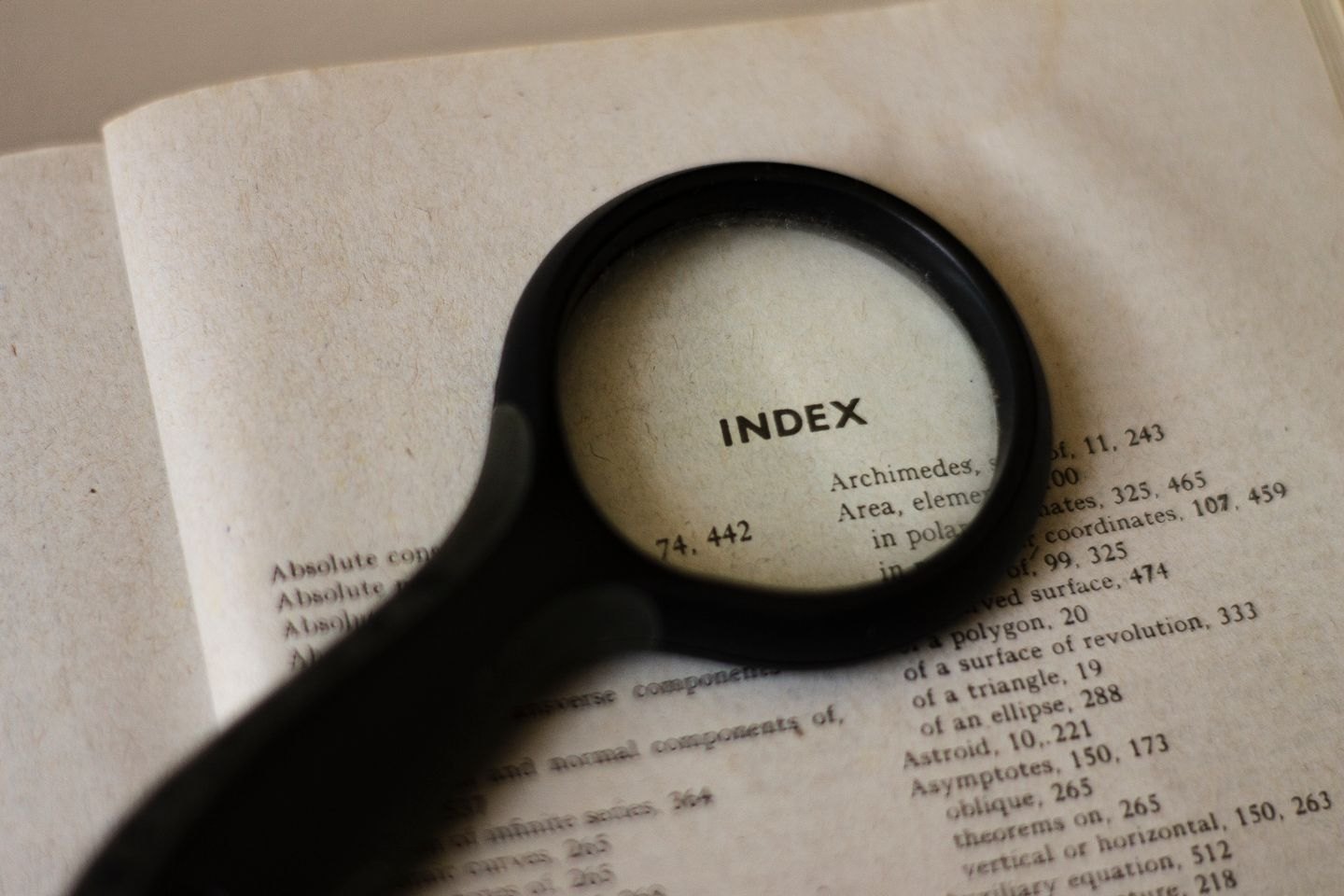
Book design
The pages after the ending
The material after the main text should support further reading, verification or use of the book.
Book design
An isolated line can interrupt the page, but forcing it elsewhere may create a worse problem. Review the paragraph and its neighbours before choosing a fix.
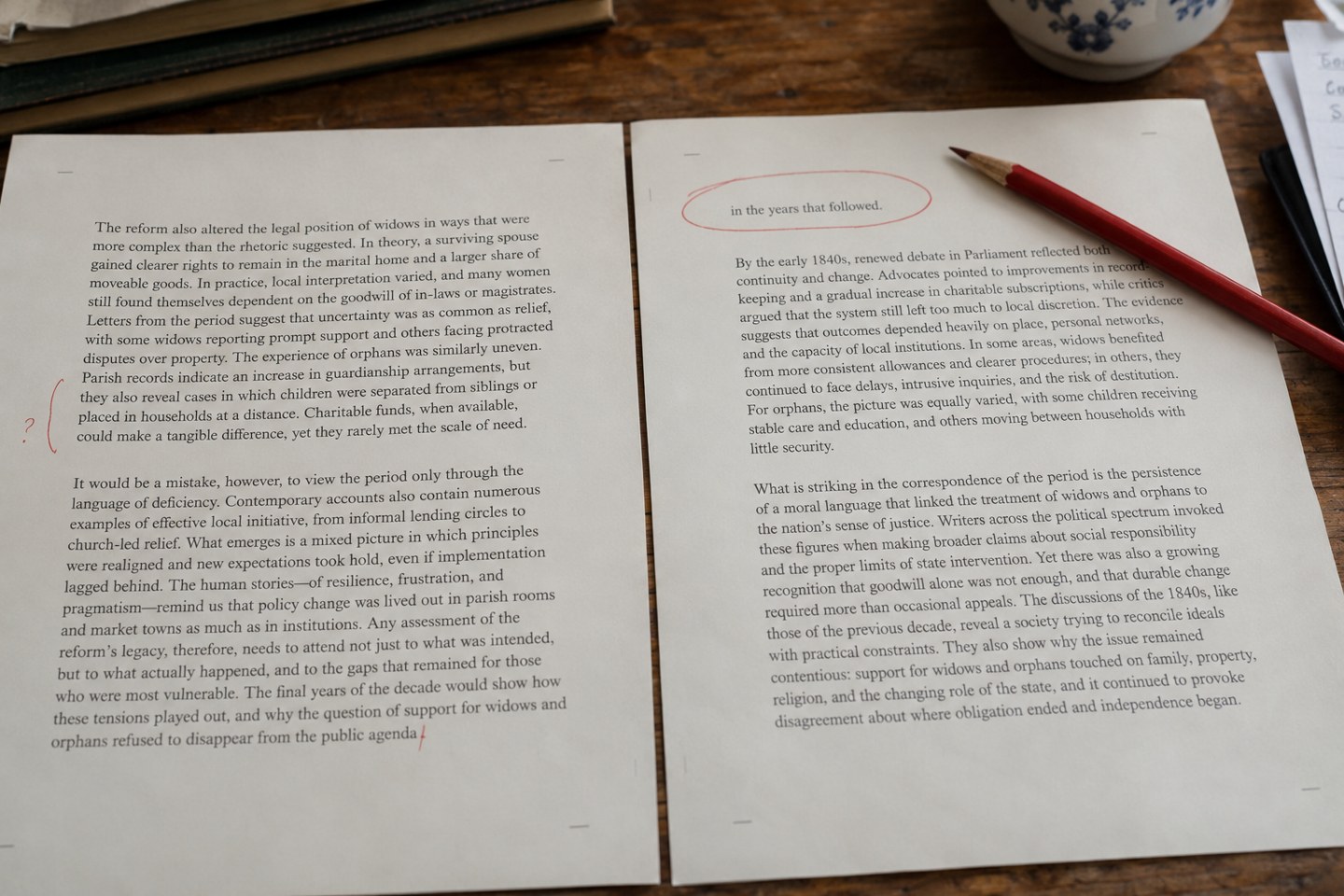
A paragraph can leave its first line at the foot of a page or its final line alone at the top of the next. These are commonly called orphans and widows, although terminology is not entirely uniform. When passing a correction to another person, describe the actual location as well as using the label.
A very short final line is a related visual problem, even when it does not cross a page boundary. A heading stranded without its following text is another. They deserve attention because they can interrupt reading or leave the page looking accidental, but they do not all need the same treatment.
Review these issues when the text and basic typography are reasonably settled. If chapters are still being rewritten, most local adjustments will have to be done again. Establish the page size, margins, body style and paragraph spacing first, then inspect the resulting flow.
Layout applications provide controls for keeping specified lines together and for keeping a heading with the paragraph that follows. InDesign, for example, offers paragraph keep options. Apply an agreed rule through the relevant style so that the book does not depend entirely on hand-adjusted pages.
Start with the effect you want, then inspect what the setting does. Keeping an entire long paragraph together may move a large block to the next page and leave an obvious hole. Protecting a minimum number of lines at the beginning and end may achieve the reading benefit with less disruption.
Do not solve the problem with repeated blank paragraphs or arbitrary spaces. Those additions become fragile when the text reflows. They can also obscure the real paragraph structure for the next person working on the file.
If one paragraph remains awkward, look at nearby opportunities. A small, agreed wording change may remove a short exit line. A legitimate change to a word break may redistribute the text. A modest spacing adjustment may help, but it should not make that paragraph visibly denser or looser than its neighbours.
Read any proposed wording change as prose. Removing a useful qualification merely to save a line trades meaning for a cleaner rectangle. If the wording has already been approved, ask for agreement before changing it. A designer should not have to guess which sentence is expendable.
Consider the spread rather than a single line in isolation. A slightly short page may be preferable to conspicuous word spacing across several paragraphs. Conversely, a lone line at the top of an otherwise empty final page may be worth a more careful rework earlier in the chapter.
After each adjustment, inspect the next page and the chapter ending. Pulling one line backwards can release another problem downstream. Check that headings, footnotes and illustrations have retained their intended relationships.
Keep the project’s priorities consistent. A poetry collection, a dense reference work and a novel can tolerate different shapes of white space. Record any agreed exceptions and perform the final review on the exported PDF, where the page breaks intended for printing are fixed.
Book design
The material after the main text should support further reading, verification or use of the book.
Book design
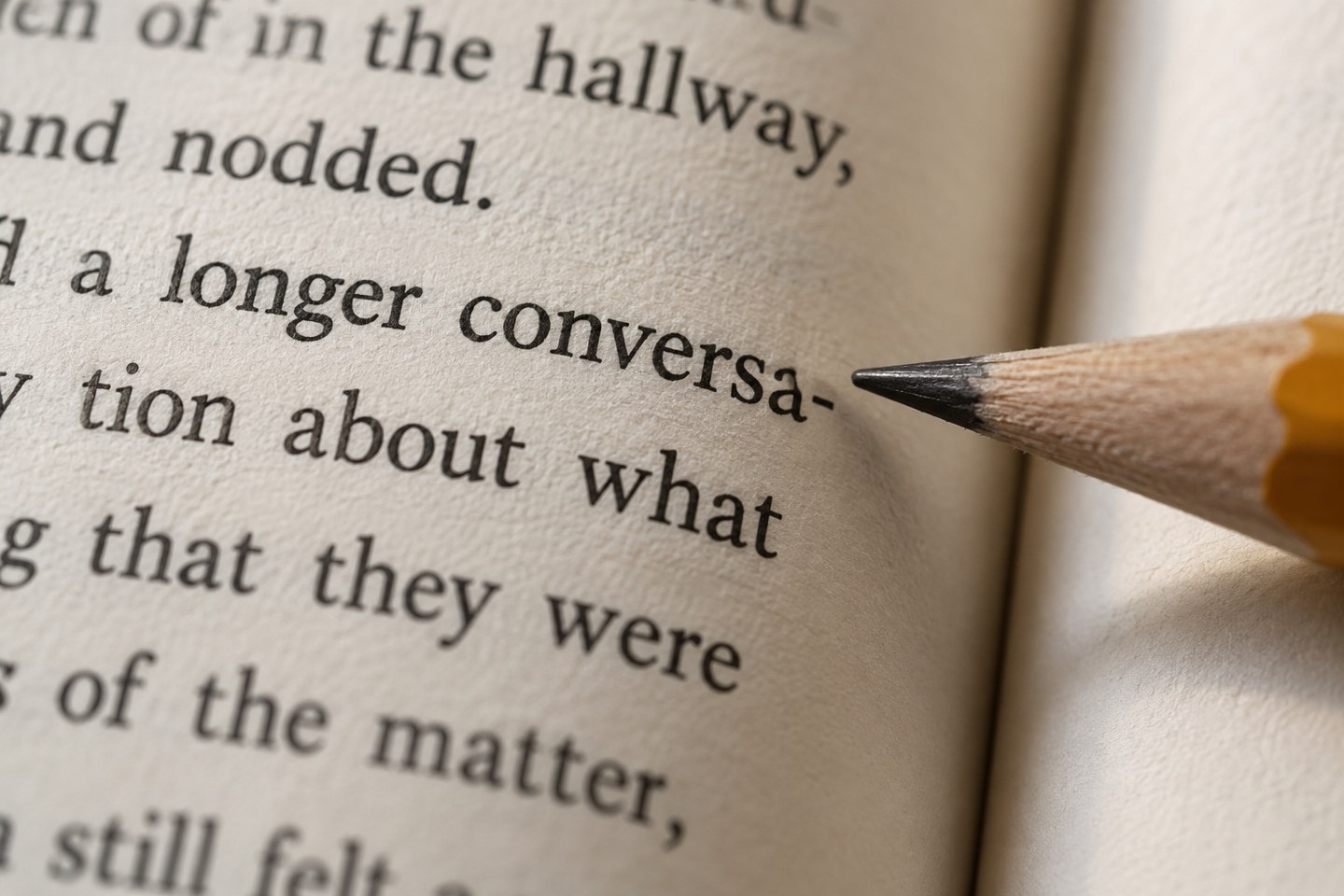
Line-end hyphens affect both spacing and reading. Check them in context, especially after the final text changes have moved lines around.