Book design
Review widows and orphans without damaging the page
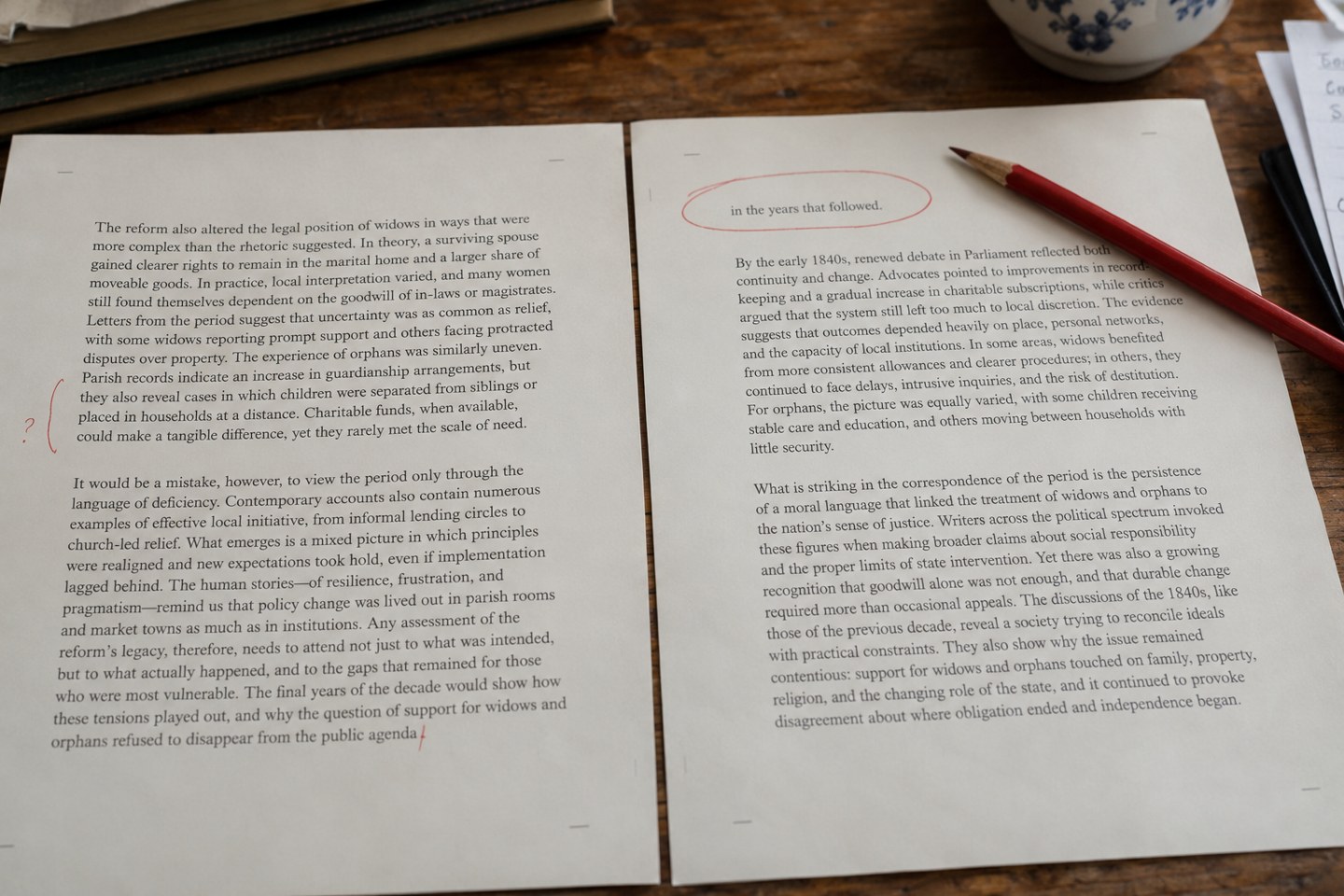
An isolated line can interrupt the page, but forcing it elsewhere may create a worse problem. Review the paragraph and its neighbours before choosing a fix.
Book design
Line-end hyphens affect both spacing and reading. Check them in context, especially after the final text changes have moved lines around.
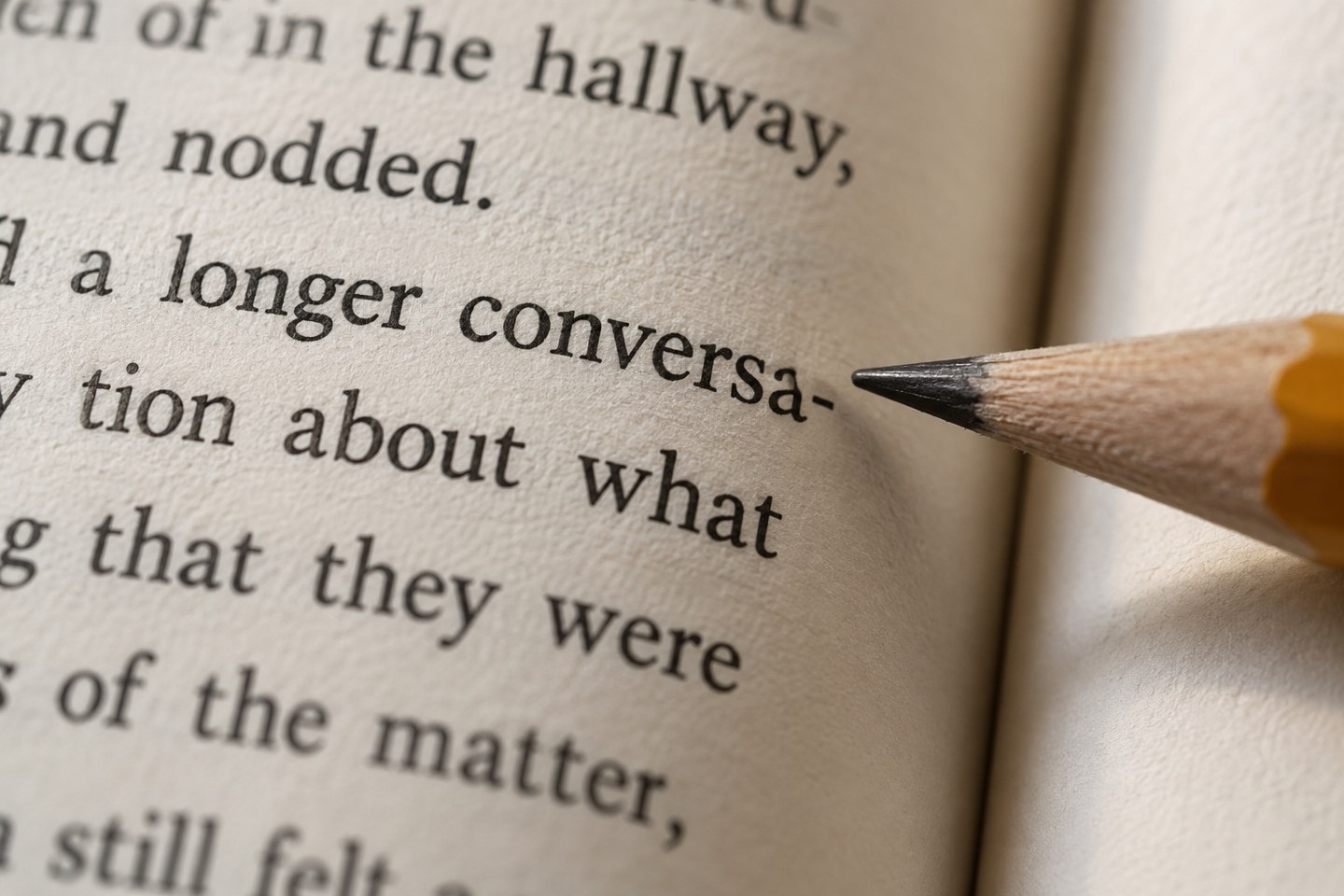
Hyphenation can help a justified paragraph avoid wide gaps, but several hyphenated lines in succession can make the edge of a page distracting. Review the paragraph at reading size before deciding that every line-end hyphen should disappear. Removing them all may damage the spacing more than it improves the page.
Confirm the language assigned to the text. Automatic hyphenation depends on language rules, and a wrong language setting can produce inappropriate breaks. Names and specialised vocabulary deserve a separate look even when the general setting is correct.
Distinguish a word that contains a permanent hyphen from a discretionary break added for layout. InDesign supports discretionary hyphens that appear when a word breaks at the end of a line. That is different from typing an ordinary hyphen into the middle of a word, where it can remain visible after the line moves.
Review the paragraph style’s hyphenation controls, including the treatment of short words and consecutive hyphenated lines. Set these for the kind of text you have. A narrow column has different pressures from a wide novel page, and a single rigid recipe will not suit both.
Then examine exceptions. A misleading break, an awkward proper name or a repeated pattern may need attention. Use the layout tool’s appropriate nonbreaking or discretionary controls rather than inserting spaces to force a result. Keep exceptions limited enough that another person can understand the file.
Check across page and column boundaries as well as within a paragraph. A word split at a turn may interrupt reading more noticeably than one split between adjacent lines. Decide how the project handles that case and apply the decision consistently.
After making a change, reread the complete paragraph. A better break can shift another line, create a short final line or affect the next page. Repeat the check in the exported PDF after the last corrections. The final inspection belongs to the file that will be printed, not an earlier layout view that no longer matches it.
Book design
An isolated line can interrupt the page, but forcing it elsewhere may create a worse problem. Review the paragraph and its neighbours before choosing a fix.
Book design
A cover brief gives a designer something more useful than a preferred colour. Explain the book, its readers and the decisions the cover has to support.